Install & sign in
Download, install, paste your API key, and bind a domain.
The osmRouter Mac app is a thin SwiftUI panel around a sidecar daemon (osm-agent). Install it once, sign in once, and your machine becomes a node on the sovereign net.
Requires macOS 14 (Sonoma) or later. Both Apple Silicon and Intel are supported via a universal binary.
Install
Download
Download from osmrouter.com (the Get started flow links to the latest signed .dmg). You'll get a notarized universal binary at around 25 MB.
Move to Applications
Open the .dmg and drag osmRouter.app to your Applications folder. (Running from ~/Downloads works but you'll be prompted by Gatekeeper every launch.)
First launch + sign-in
The first time you open osmRouter.app, the panel shows a sign-in screen.
Open the web dashboard at osmrouter.com, go to Settings → API keys, and click Create key. Copy the key (it's shown once).
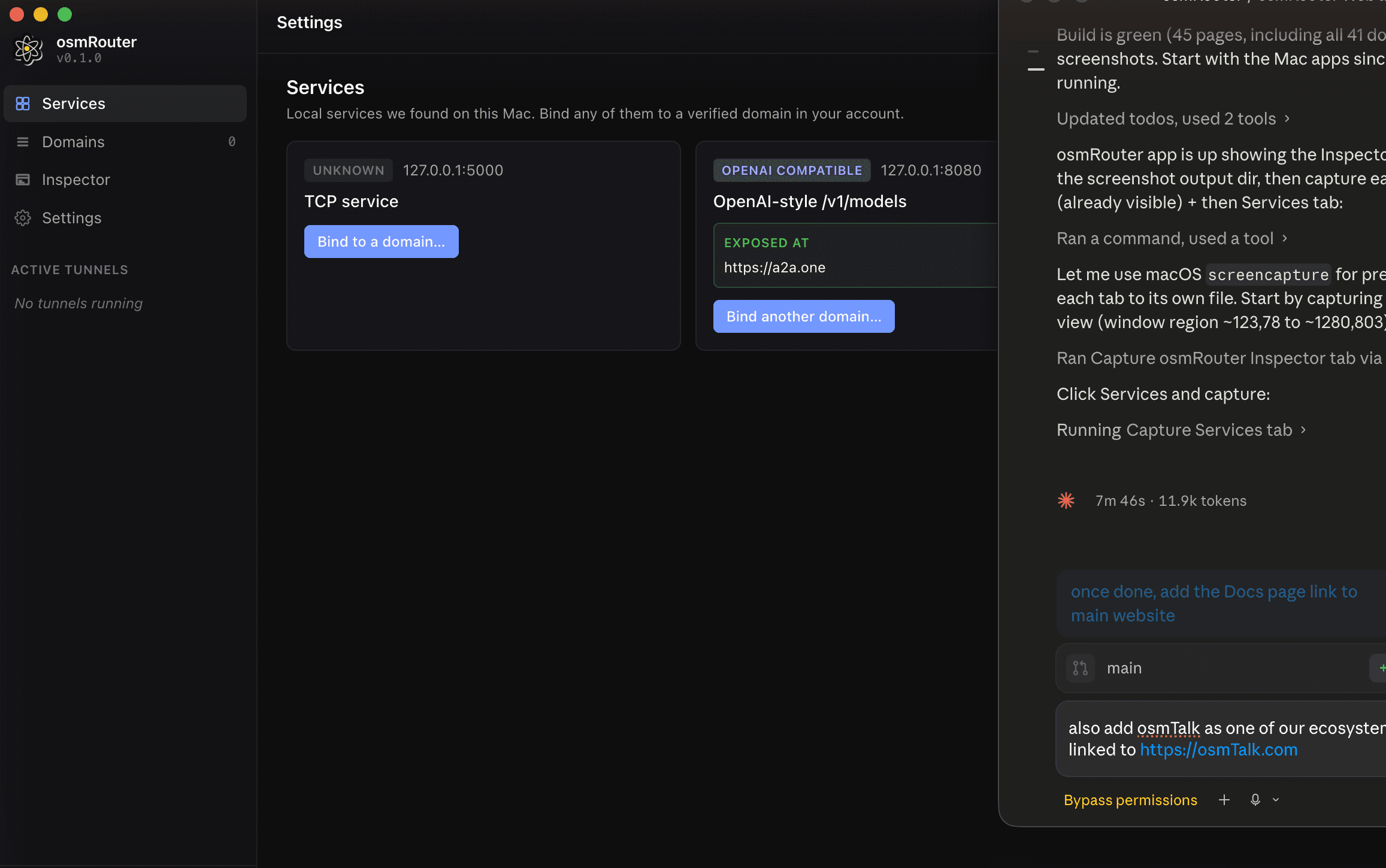
Back in the Mac app, paste the key into the sign-in field and press Sign in. The panel transitions to the Services tab and the status bar at the bottom-left turns green.
Where things live
| Path | What |
|---|---|
/Applications/osmRouter.app | The macOS app |
~/Library/Application Support/@osmrouter/desktop/ | Local state (active bindings, sidecar logs) |
~/Library/Application Support/@osmrouter/desktop/logs/osmrouter.log | The main log file. Tail this when things misbehave. |
~/Library/LaunchAgents/io.osmrouter.desktop.plist | The "Launch at login" agent (created when you enable that toggle in Settings) |
What you get after sign-in
The left rail has four tabs:
- Services — every local listening port the agent can see, with one-click binding to a verified domain.
- Domains — your verified domains and their current bindings.
- Inspector — a live request log of traffic passing through your tunnels.
- Settings — Launch at login, auto-update, log export, device ID.
The status bar at the bottom shows your connection state and the edge region you're connected to (e.g. Connected · iad-1).
Updating
If Auto-update client is on in Settings (default), the app silently downloads verified updates in the background and applies them on next launch. To check manually: Settings → Diagnostics → Check for updates.