Quick Start
Sign up, point a domain, install the Mac app, and bind your first subdomain — in under 5 minutes.
By the end of this page you'll have a public HTTPS URL on a domain you own, pointing at a process running on hardware you control. No virtual machine. No "per vCPU" rent.
Create an account
Open osmrouter.com and click Get started. Enter your email and a password — you'll get a 6-digit verification code by email.
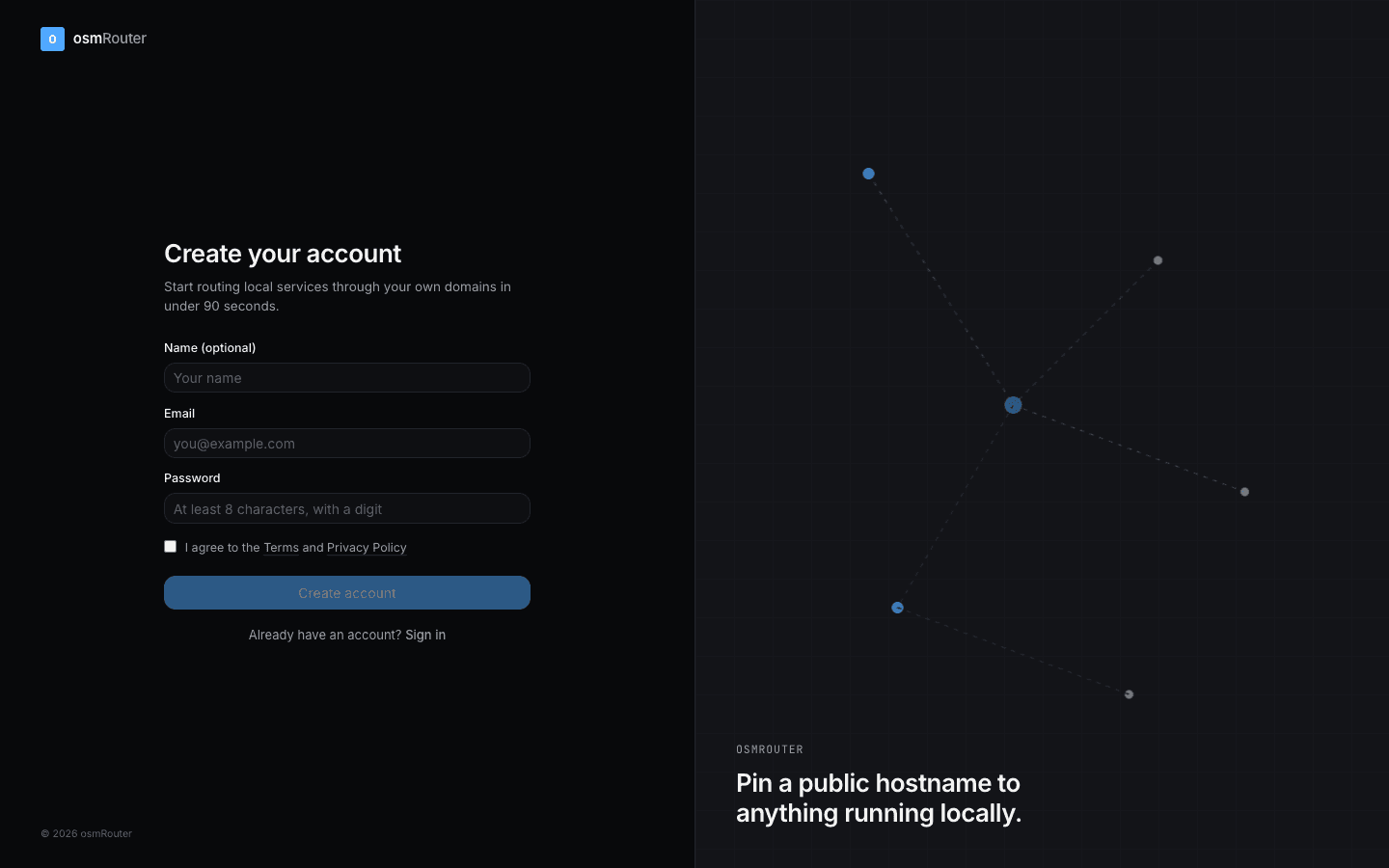
After entering the code, you'll land on the dashboard.
Add a domain you own
In the dashboard, open Domains → Add a domain. Enter the apex (e.g. example.com).
osmRouter shows you the DNS records you need to add at your registrar — usually one A record at the apex and one wildcard A record. Both point at the same edge IP.
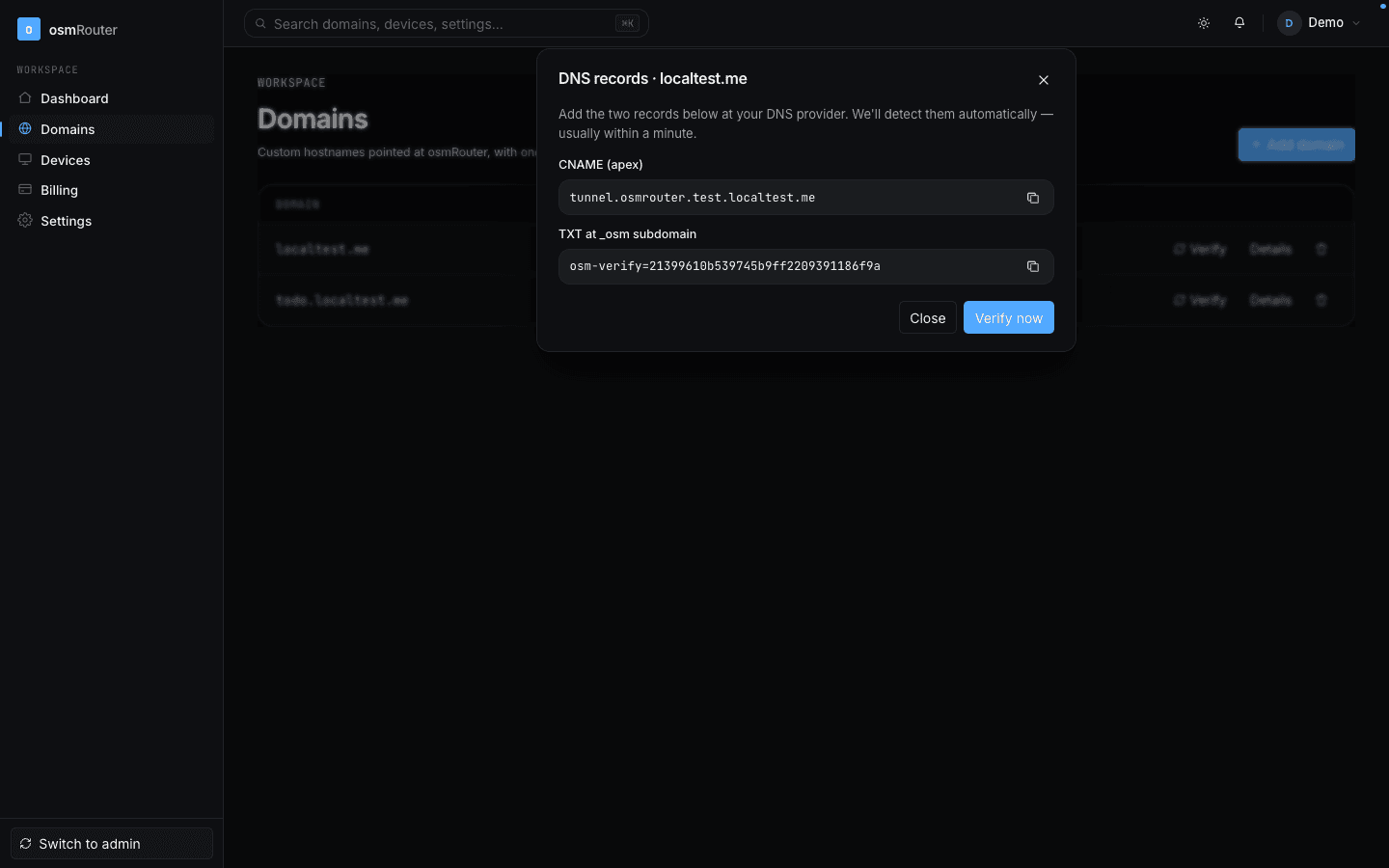
See the DNS Cookbook for a per-registrar walkthrough (GoDaddy, Namecheap, Cloudflare, Hostinger, Squarespace, Porkbun).
DNS propagation usually takes 1–10 minutes. The verification banner clears automatically when osmRouter sees the records.
Install the Mac app
From the dashboard, click Download client (or hit Mac app → Install & sign in for the direct download). Open the .dmg, drag osmRouter.app to Applications, and launch it.
On first launch the app shows a sign-in screen. Paste the API key from your dashboard's Settings → API keys page.
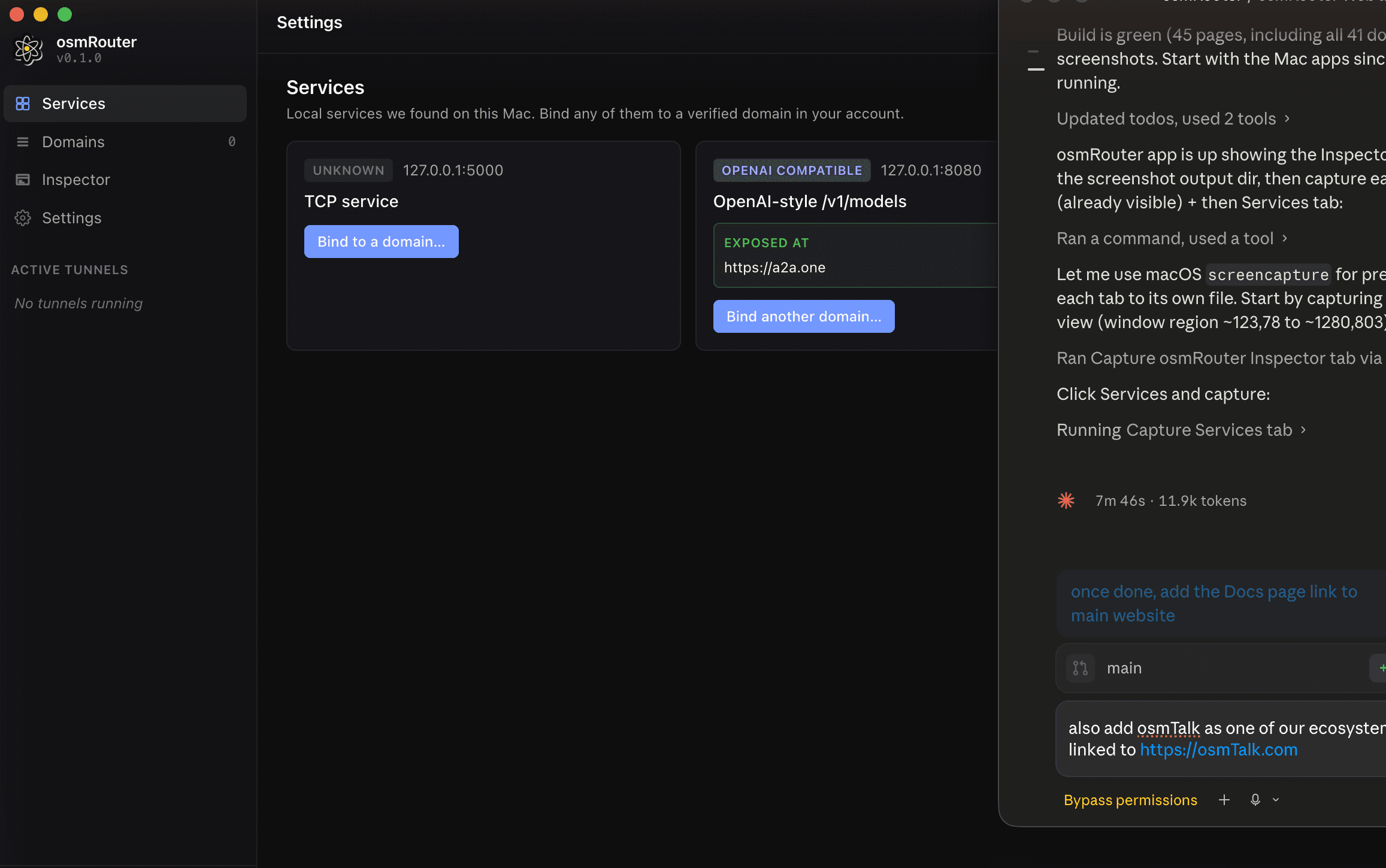
The Services tab lists every local service the agent can see on your Mac.
Bind a subdomain to a local port
On the Services tab, find the service you want to expose (it might be a dev server on :3000, an Ollama instance on :11434, or any other listener). Click Bind to a domain…, pick your verified domain, choose an apex or subdomain, and confirm.
osmRouter spawns a sidecar that opens an outbound TLS connection to the cloud proxy. Within a second or two the binding flips to LIVE and the public URL is reachable.
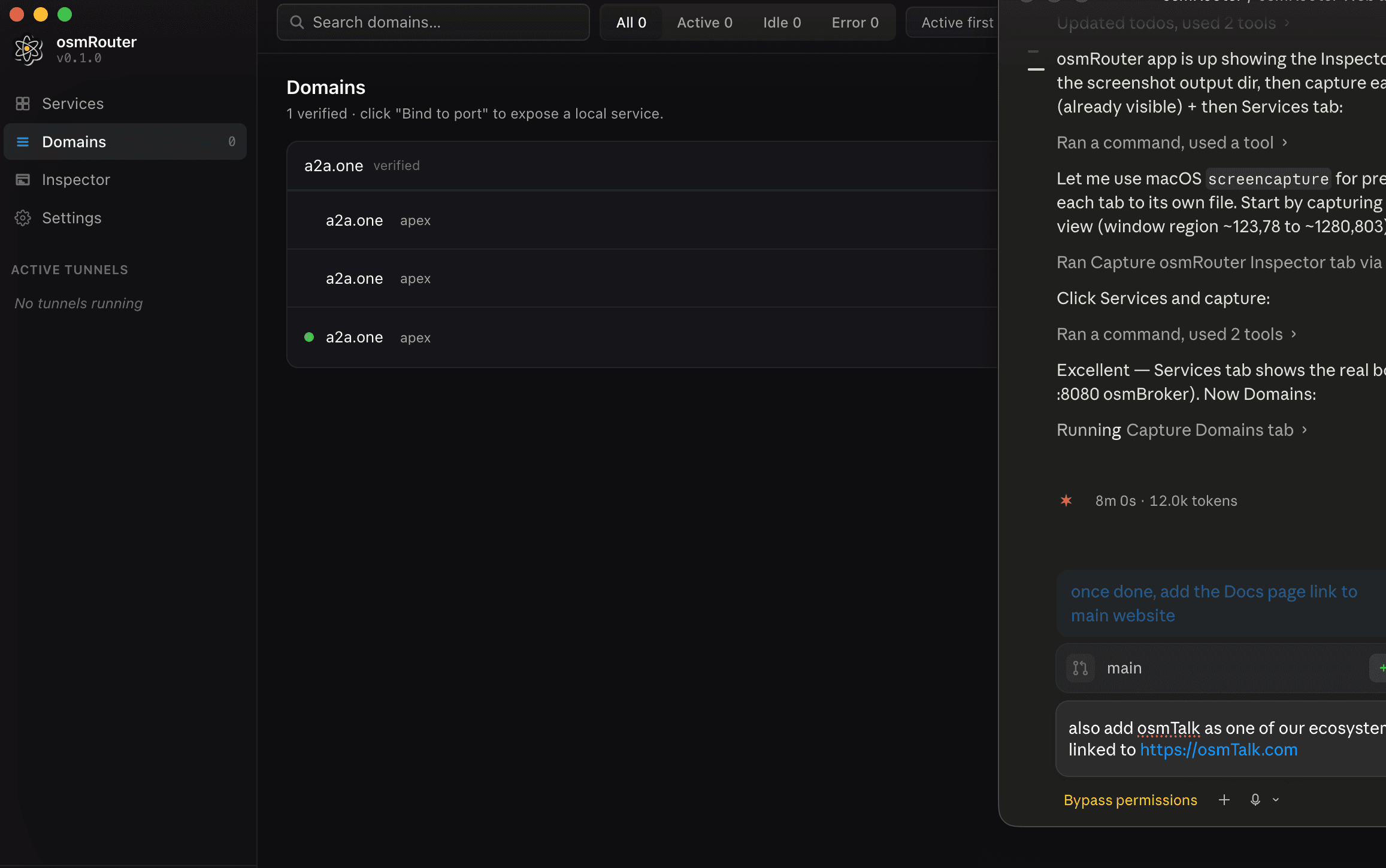
Hit the public URL
$ curl https://example.com/
# → response served by the process on YOUR machine
That's it. The TLS termination happens at the edge with a Let's Encrypt cert minted on-demand for your domain. The data path is: visitor → Caddy edge → osm-proxy → pinned-TLS tunnel → osm-agent on your Mac → your local process.
No third party sits in the middle.
What to read next
- Architecture — how the role-inverted HTTP/2 tunnel actually works.
- Web Dashboard: Domains — managing domains + bindings.
- Troubleshooting — when the tunnel is up but requests aren't landing.